
Groups lets you organize the swimmers you follow into custom sets, a squad, a relay, an age group. Open Edit Groups, create a group, and add swimmers. It is free.
What Groups shows you
Groups turn a long favorites list into something you can actually use. Put swimmers that belong together, training partners, a relay, the same age bracket, into one named set.
Groups also power Group Comparison, which ranks everyone in a group per event with medals.
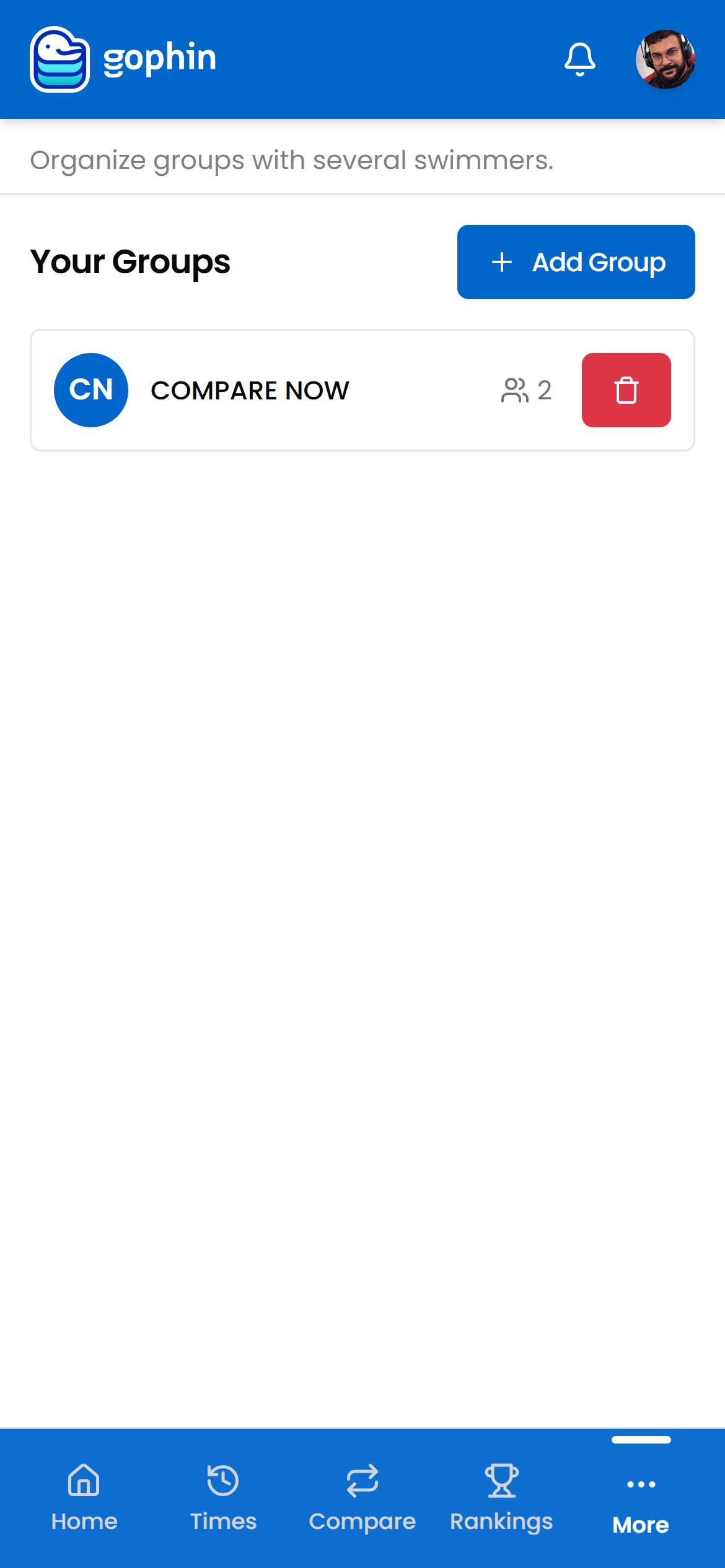
Step by step
Open Edit Groups
In the menu, go to Management, then Edit Groups.
Create a group
Tap Add Group, give it a name, and pick the swimmers that belong together.
Check the member count
Each group card shows how many swimmers are in it.
Remove what you no longer need
Use the delete button on a group card. Removing a group never removes the swimmers from your favorites.
Put the group to work
Open Compare, then Compare Groups, to rank every member per event with medals.
What's included
What's included
Creating and managing groups is free. Ranking a whole group per event, with medals for the top swims, is included too, with Group Comparison.
Tips
- Group by what you compare. A relay, an age bracket, or a training squad each make a clean group.
- Add swimmers to favorites first. Your groups draw from the swimmers you follow.
- Small groups read faster. A focused set beats one giant group.
- Deleting a group is safe. The swimmers stay in your favorites.
Common questions
How do I organize swimmers into groups in Gophin?
Go to Management, then Edit Groups. Tap Add Group, give it a name, and pick the swimmers that belong together, such as a relay, an age bracket, or a squad. Your groups draw from the swimmers you have added to favorites.
If I delete a group, do I lose the swimmers?
No. Removing a group never removes the swimmers from your favorites. They stay in your follow list, only the group set is removed.
Is creating and ranking groups free?
Yes. Creating and managing groups is free, and ranking a whole group per event, with medals for the top swims, is included too, through Group Comparison.